The AI Tools Actually Worth Your Time
(And How to Get Started With Each One)


Half the marketing internet is convinced AI is replacing your job. The other half thinks it's a glorified autocomplete for LinkedIn posts. Both are wrong.
So we skipped the hot takes and asked our own specialists what they’re actually using, for what, and if it's any good. Here's what they shared.
ChatGPT
What it's good for:
As the general-purpose engine room. Our team leans on it across research, strategy development, data analysis, reporting and copywriting, often all in the same session, moving from "help me understand this market" through to "now tighten this paragraph." Give it a messy brief, a pile of data, a half-formed idea, and it'll get you 70% of the way to something useful in minutes rather than hours. It's at its best when you treat it as a thinking partner.
How to get started:
Don't open with "write me a strategy." Open with your actual data or brief pasted in, and ask it to find the three most interesting patterns or gaps first. Then ask it to argue against its own first answer. That second step alone will save you from a lot of lazy recommendations.
Tips:
- In-house marketer: paste in last quarter's campaign results and ask it to flag the one metric that doesn't match the story your report is about to tell.
- Small business owner doing your own marketing: use it to draft three different angles for a single offer, then ask which one it thinks a sceptical customer would trust most, and why.
- Freelancer: run your client's competitor's website through it and ask for gaps in their messaging you could pitch against.
Claude
What it's good for:
Longer, messier inputs where tone and accuracy both matter. Claude has become the go-to for anything that needs a bit more precision or nuance. Think research synthesis, strategic recommendations, data analysis and comms. It also holds context well across a long back-and-forth, so it's useful for working through a problem rather than just generating an answer and moving on. Several of our team also use it for lead research automation by connecting Hubspot, feeding the output straight into HubSpot instead of manually chasing and entering data.
How to get started:
Feed it real examples of the tone you want before asking for output, could be a past report, an email that landed well, whatever you've got. Claude is noticeably better when it's matching a real reference than when it's guessing at "professional but friendly."
Tips:
- In-house marketer: feed it your last board update and ask it to rewrite it for a completely different audience, say frontline staff, to see what actually needs to change versus what you assumed did.
- Solo marketer/consultant: use it to draft a proposal in your own voice by feeding it two or three past proposals first, rather than starting from a blank template.
Claude Cowork and Claude Skills
What it's good for:
Repeatable, specific tasks you (or someone on your team) do often enough that building a small tool for it pays off. Not one-off questions but recurring workflows with a clear input and output. This is where things get properly agentic. One team built a custom documentation generator that saves hours every time a dev needs tracking specs. Others use it to make research-heavy work more autonomous by handing off a defined chunk of a task rather than prompting step by step. One of our creative ops leads uses it to dig into Asana data and find patterns behind why certain tasks were consistently running overdue, turning a vague "we're always late" complaint into an actual root-cause fix.
How to get started:
Pick one task you or your team does at least weekly that follows a predictable pattern, it could be a report format, a doc type, a data pull. Describe the input you start with and the output you want, in plain language, and ask Claude to help you build a repeatable process or skill around it. Start small.
Tips:
- In-house marketer: if you write the same style of monthly performance summary every time, build a skill around your exact template so you're editing, not starting from scratch.
- E-commerce marketer: automate the process of turning raw sales data into a plain-English weekly summary for stakeholders who don't want to open a dashboard.
Granola
What it's good for:
Any meeting where you want to actually be present instead of transcribing. The specific appeal: it doesn't visibly join the call the way Otter or Gemini's notetaker does, so it doesn't sit there as an obvious extra participant in a meeting. Notes get captured automatically, stored and synced into the tools people are already using, with no one splitting attention between listening and typing.
How to get started:
Run it on your next internal meeting to get comfortable with what it captures and misses before it's anywhere near an external interaction. Check how it syncs with whatever you use for notes or CRM entries, because the real time saving is in that handoff, not the transcription itself.
Tips:
- In-house marketer managing agencies: run it on every agency check-in so action items don't rely on someone's memory of who said they'd do what.
- Freelancer: use it as your own accountability record, a quiet paper trail of what was agreed on a call.
Google ADK (Agent Development Kit)
What it's good for:
Building AI agents that abstract away a chunk of the dev work usually needed to stand up a custom tool, with easy integration into Google Workspace and flexibility across different underlying models. Useful for teams with some technical appetite who want to build a purpose-built agent rather than rely on generic chat tools, particularly where the workflow already lives in Google Workspace.
How to get started:
This one has a steeper on-ramp than the rest, so don't start here if you haven't got someone comfortable with basic dev concepts. If you have, start with one narrow, low-stakes internal workflow and expect to iterate.
Tips:
- In-house marketing team with dev support: build an agent that pulls weekly numbers from your ad platforms straight into a Google Sheet your team already lives in, instead of manually exporting every Monday.
- Growth marketer: use it to build a simple lead-scoring agent that flags high-intent form submissions before a human even looks at them.
Motion
What it's good for:
Analysing creative performance and using that analysis to sharpen campaign strategy and recommendations before they're finalised. It’s good for getting past gut-feel creative reviews and into something more structured; useful when you need to defend a creative decision with more than "it felt right."
How to get started:
Run it against a campaign you've already got a strong opinion about, good or bad, and see whether its read matches yours. That's the fastest way to work out how much to trust it before you lean on it for something live.
Tips:
- Solo marketer: run it across your last five ad creatives before your next brief, so you get a data point about what's actually working.
- Brand marketer: use it to check whether the creative you're proudest of is actually the creative performing best because they're not always the same thing, and it's worth knowing before you scale it.
Jitter
What it's good for:
Quick, motion-graphics-lite polish on video content when you don't have the time or budget for a full animation pass. Still early days here. Consider experimenting with it to add more polished animation to video assets (title cards, outros) without the hours normally required in more nuanced tools like After Effects.
How to get started:
Treat it as a shortcut for the small stuff, not a replacement for your video toolkit. Start with a title card or outro on something already finished, rather than building a whole asset in it from scratch.
Tips:
- Social media marketer: use it to give your reels and shorts a consistent branded intro/outro without booking design time for every single post.
- Solo marketer/small business: if your videos look homemade purely because of the transitions, this is the cheapest fix available before you touch your actual filming setup.
Nano Banana
What it's good for:
Google's image model has quietly become a go-to for fast, on-brand visuals, great for mocking up a concept, generating a quick static for a pitch, or producing image variations without waiting on a full design pass. Think speed over polish. It's not replacing a designer's final output, but it's very good at getting a rough visual idea into a shareable state fast enough to actually influence a conversation while it's still happening, rather than three days later.
How to get started:
Use it for the ideas you'd otherwise describe in words during a brainstorm: "something like this, but more like that." Generate a few variations, pick the direction that's closest and hand that to a designer to finish properly. It's a briefing tool as much as a design tool.
Tips:
- In-house marketer without a design team: use it to mock up a campaign concept well enough to get buy-in from stakeholders before you commit budget to a real design or photography brief.
- Freelancer: use it to generate five rough directions before a client workshop, so the room is reacting to something visual instead of guessing from a written concept.
Canva
What it's good for:
Templated design and brand-kit consistency, especially for social creative, ad variations and quick assets that need to look sharp but don't warrant a full design-team brief. Canva's own AI features (Magic Studio and friends) are increasingly doing the first pass on resizing, background work and copy variations. If you need twenty versions of the same ad in different sizes with your brand kit locked in, Canva will get you there faster than opening a design file from scratch and it keeps non-designers from going rogue on brand.
How to get started:
Set up your brand kit properly first (colours, fonts, logos) before you touch any of the AI features. The AI tools are only as on-brand as the kit you've fed them. Then try the bulk resize and Magic Design features on your next batch of ad variations before doing them manually.
Tips:
- Small business marketer: build your brand kit once properly, and every piece of social content after that stops looking like it was made by five different people.
- In-house marketer supporting multiple regions or teams: use Canva's brand templates so regional teams can create their own local assets without going off-brand or waiting on a central design queue.
A few more worth exploring
Beyond what's already embedded in our day-to-day, a couple of tools worth knowing about:
- Perplexity: a research tool that shows its sources as it goes, which makes it genuinely useful for fast-turnaround market or competitor research where you need to sanity-check where an answer came from, not just get an answer. Try it next time you need to brief someone on an unfamiliar industry by lunchtime.
- Descript: video and podcast editing that works more like editing a text document than wrangling a timeline, which matters if your team is producing more video and audio content without a dedicated editor for every piece. Worth a look if you're sitting on webinar or podcast recordings you've been meaning to cut into shorter clips but never get around to.
Neither needs a mandate to try. Grab one, point it at a real task you've got on this week, and see if it earns a permanent spot.
Honest note
Not everyone needs to be knee-deep in AI tools to do great work, and one of the most refreshing submissions we got simply said: "I don't explore AI tools, no useful answer, apologies." Fair enough. The point isn't that everyone becomes a prompt engineer. It's that the people who do dig in are freed up to spend more time on the strategic and creative thinking that actually moves the needle, while the tools quietly handle the research, the notes and the repetitive stuff underneath it.
Where to start, realistically
Don't try to adopt all of these at once. Pick the one closest to a real bottleneck you already have, could be meeting notes eating your attention, reporting eating your afternoons, a repetitive task nobody's automated, and get that one working properly before you touch the next.
About the Author

Ash is Rocket's in-house Marketing Coordinator and the Producer of the Smarter Marketer Podcast. With a passion for marketing and sharp analytical skills, she excels at uncovering the hidden stories behind what drives marketing success.
Ash has worked with B2B SaaS companies in the FinTech and EdTech industries in Australia and India. She holds a Master of International Business degree from the University of Melbourne.
When not busy marketing Rocket, you'll likely find her brewing a delectable cup of chai.
Stay Ahead in Digital Marketing
Join 20K+ Marketers Who Get the Inside Scoop
Other Articles you might be interested in…
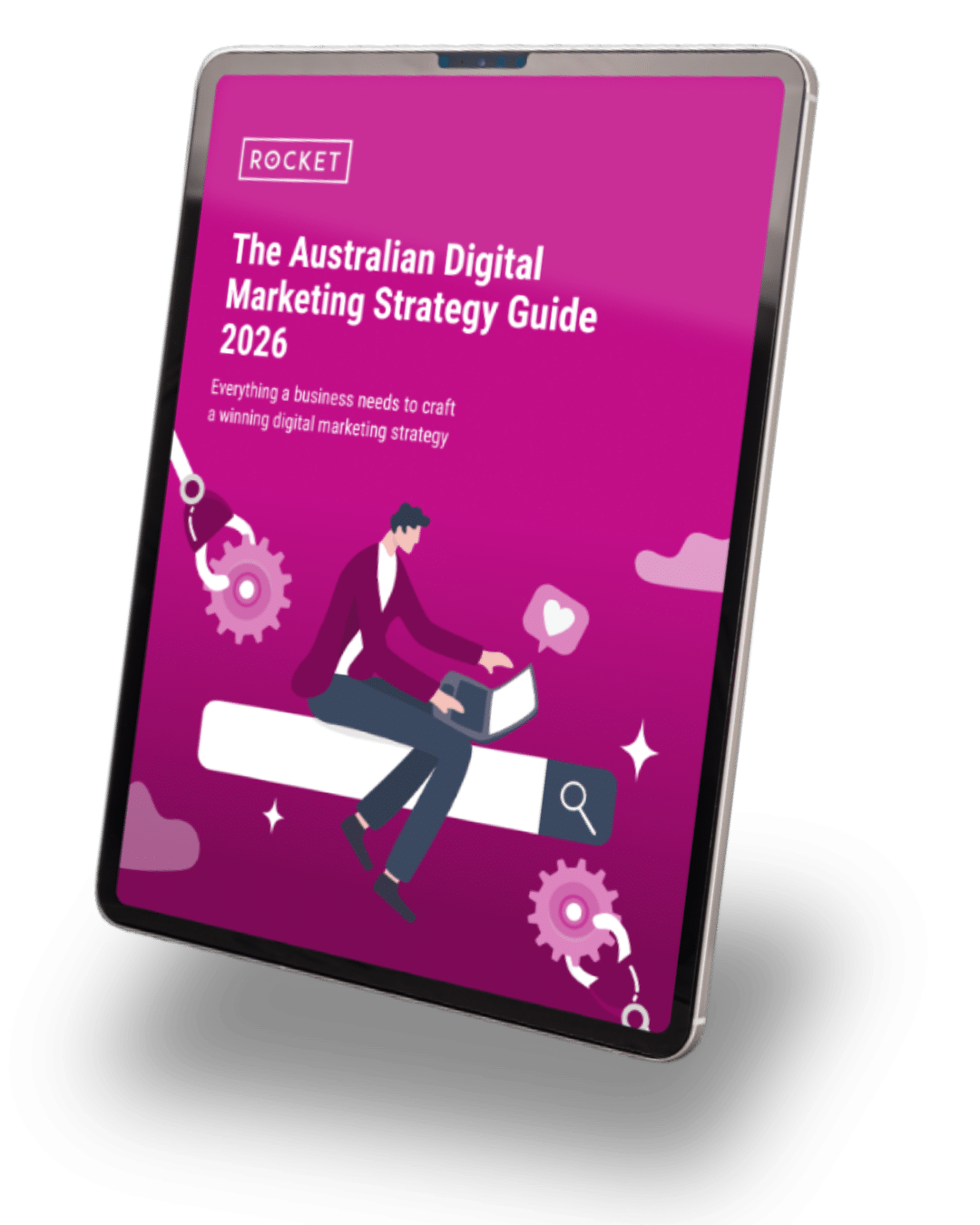
The Australian
Digital Marketing Strategy Guide 2026
Everything an in-house marketer needs to craft a winning digital marketing strategy.